

Generating Test Cases with AI
QAM Hub can draft test cases and checklists from a short description of a feature or from a screenshot of it. The output is a set of proposals, not saved cases: you review, edit, and choose what to keep, and nothing enters your suite until you approve it. That review step is the point of the feature rather than an obstacle to it, because generated cases are a fast first draft and a poor final answer.
Before you start#
- An AI provider has to be configured for your organization. Gemini is the default, with OpenAI available as an option. If generation is unavailable, keys are the usual reason, and an organization admin sets them up.
- Project role USER or higher.
- A suite or group to put the results into. See creating test suites and test cases if your structure does not exist yet.
Generating from a description#
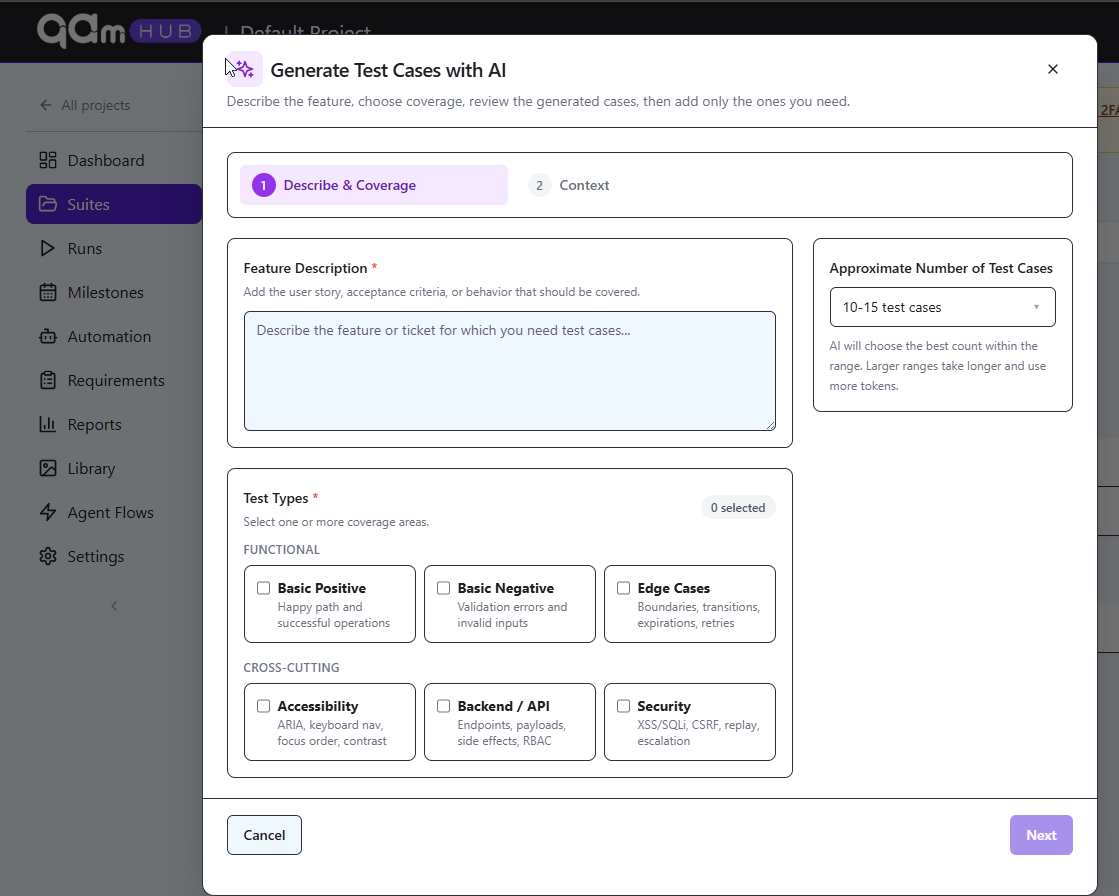
- Open the project and navigate to the suite or group where the cases belong.
- Start AI generation.
- Describe what needs testing. Paste the acceptance criteria or the user story if you have one; that is better input than a summary you write from memory.
- Choose whether you want test cases or a checklist. Cases carry steps and expected results, checklists are lighter and column-based, which suits exploratory or release-readiness work.
- Generate, then review the proposals one by one.
- Edit anything that is close but wrong, discard what does not apply, and save the rest into the suite.
Generating from a screenshot#
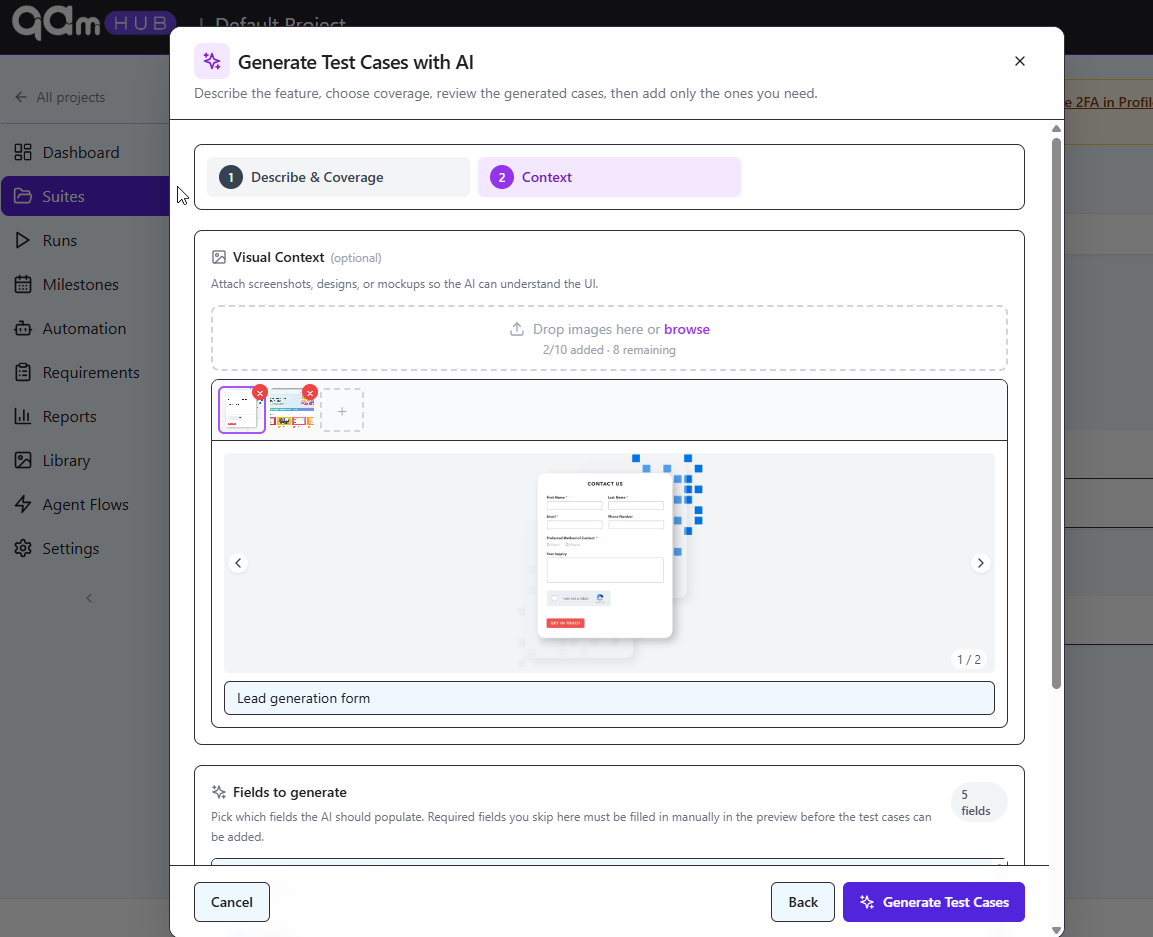
Upload an image of the screen or flow instead of describing it. This works well for forms, where the fields, states, and validation rules are visible, and less well for behaviour that is not on screen: timeouts, permissions, background jobs, anything conditional. Use a screenshot to get the obvious surface coverage quickly, then add the invisible cases yourself.
Writing an input that produces usable cases#
Generic input produces generic cases. Four things reliably improve the output:
- Name the boundaries. "Discount codes are 6-12 alphanumeric characters, case insensitive, one per order" produces boundary cases. "Discount code feature" produces four happy paths.
- State what is out of scope. Otherwise you get payment cases in a login feature.
- Say who the actors are. Guest, registered user, admin. Role-dependent behaviour is where generated suites are usually thinnest.
- Mention the platforms that matter. If mobile web behaves differently, say so, or you will get one set of cases written for desktop.
Ask for a smaller batch than you think you need. Reviewing 8 proposals properly is faster and produces a better suite than skimming 40.
Reviewing the proposals#
Check each proposal for three failure modes that come up repeatedly:
- Invented behaviour. The model does not know your product. It will confidently propose an expected result that describes how the feature probably works. Verify against the spec or the build, not against plausibility.
- Steps that are not steps. "Verify the discount is applied correctly" is an assertion, not an executable step. Split it or rewrite it, following the conventions in working with steps and expected results.
- Near-duplicates of what you already have. Generation does not read your existing suite. A generated batch dropped into a mature project is the most common source of duplicate cases. The Quality Analyzer finds them afterwards, and the blog post on finding duplicate and low-quality test cases covers the cleanup.
What you will see after saving#
Saved cases behave exactly like hand-written ones. They land in the suite you chose, pick up templates and custom fields where those apply, join version history from their first revision, and can be tagged, assigned, and run without any marker that separates them from the rest. Nothing about a generated case is second-class once you have approved it.