

JUnit XML import & CLINew
WebdriverIO, Selenium, Robot Framework, pytest, JUnit, TestNG, NUnit and any other framework that writes JUnit XML report into QAM Hub with one command.
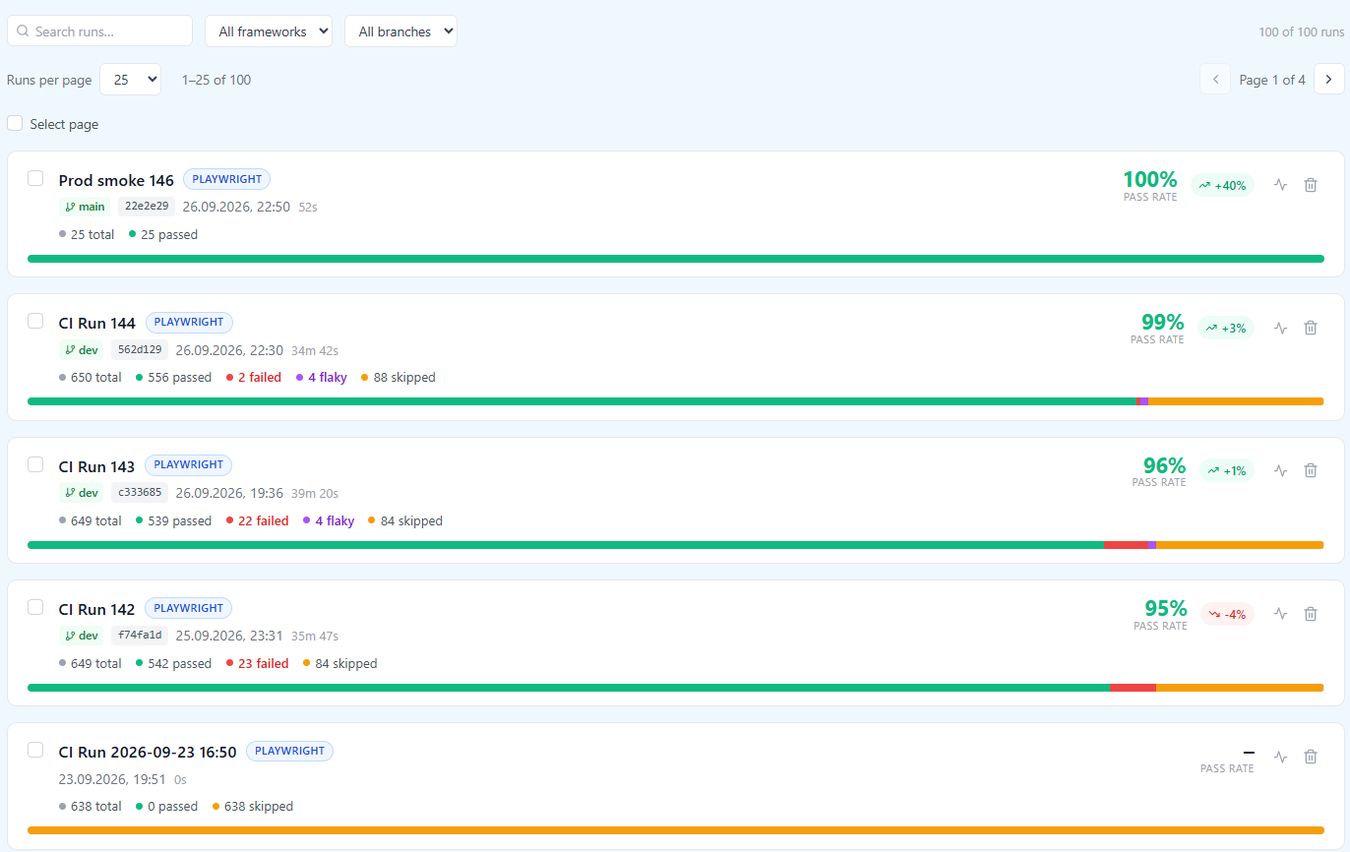
Most test frameworks already write JUnit XML, or can with one line of configuration. The qam-hub CLI takes those files from your pipeline and turns them into one automation run in QAM Hub, linked to your manual test cases by number, next to the manual results of the same release.
Supported frameworks
| Stack | How it reports |
|---|---|
| Playwright (JS/TS) | Official reporter, @qamadness/qam-playwright-reporter |
| Cypress | Mochawesome plus the official helper, @qamadness/qam-cypress-reporter |
| WebdriverIO | The JUnit reporter, uploaded with the CLI |
| Selenium with JUnit 5 or TestNG (Maven, Gradle) | Surefire or Gradle XML, nothing to install |
| Selenium or Playwright with pytest | pytest --junitxml, nothing to install |
| Playwright for Java and .NET | JUnit XML from the test runner |
| Selenium with NUnit (.NET) | The JUnit logger for dotnet test |
| Robot Framework | Its own xUnit output, nothing to install |
| Anything else: Jest, Vitest, Mocha, Go, PHPUnit, RSpec | Any JUnit XML file |
The Automation page of every project opens with a setup guide: pick your language, framework and CI (GitHub Actions, GitLab CI, Jenkins or Azure Pipelines) and it shows the exact steps.
One command in CI
npx @qamadness/qam-hub-cli upload "reports/**/*.xml" \
  --server https://qam-hub.com \
  --project <projectId>
The token is read from the QAM_API_TOKEN environment variable, so it lives in your CI secrets and never in the command. It carries the permissions of the person who created it, and every upload is recorded in the audit log under their name. The project id is shown on the project's Automation page.
What the CLI does with your files
- Merges up to 50 files from shards and parallel jobs into one run.
- Folds reruns into a single test with its attempts, so a retried test shows as flaky instead of as two contradictory results.
- Keeps the framework name as a label, so mixed pipelines stay readable.
- Detects branch, commit, commit message and the CI build link from GitHub Actions, GitLab CI, Jenkins, Azure Pipelines, CircleCI, Bitbucket and others.
- Prints the URL of the run when it is done.
Linking tests to manual cases
Put the case number in the test name, for example TC-123 checkout applies the discount, or set a testcase property when test names are code identifiers:
record_property("qam.caseNumber", "123")Use qam.caseNumbers with a comma-separated list when one test covers several cases. Linked results appear on the manual case and in coverage, and every test builds its own history for flaky test detection.