Checklists
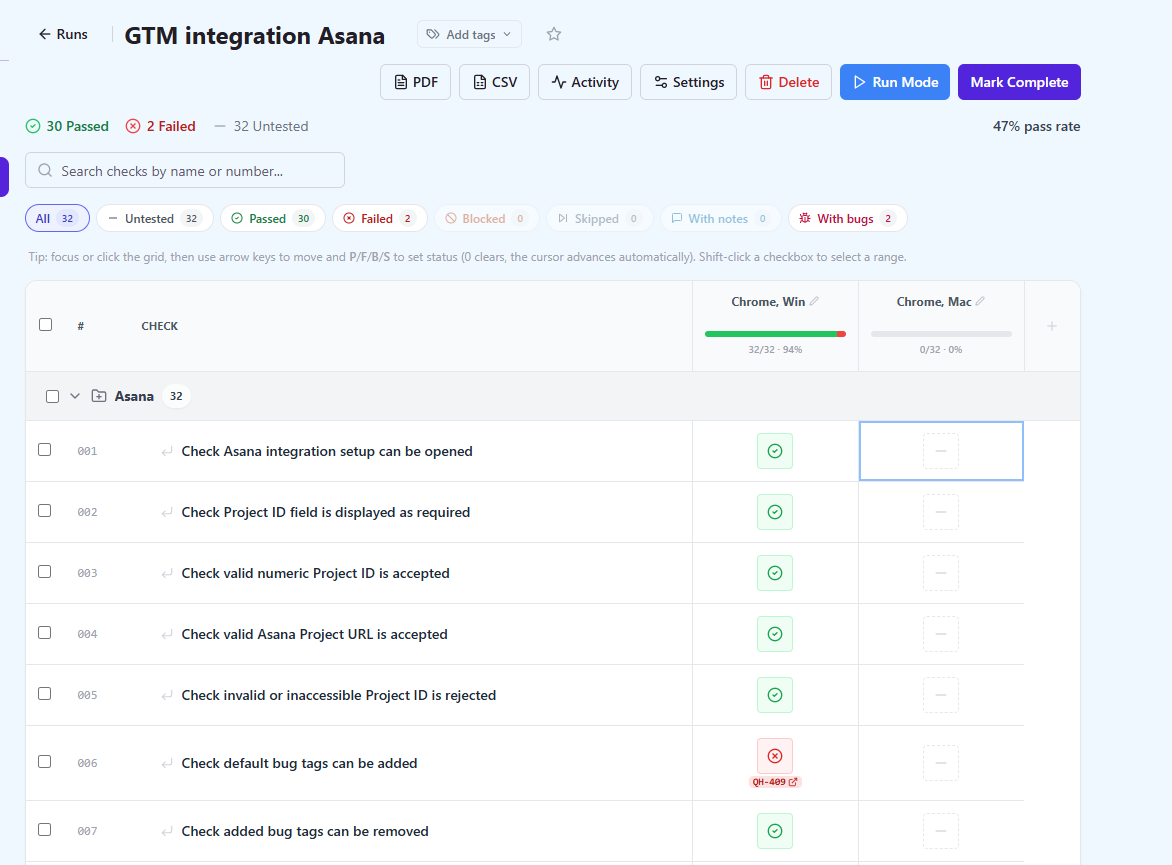
Not every check deserves a full test case. Checklist suites keep the spreadsheet-style list-and-columns format QA teams already use for smoke tests, device matrices and release checklists, and add what a spreadsheet cannot: per-cell history, comments, attribution and results that lock when a run is completed.
Checklist runs
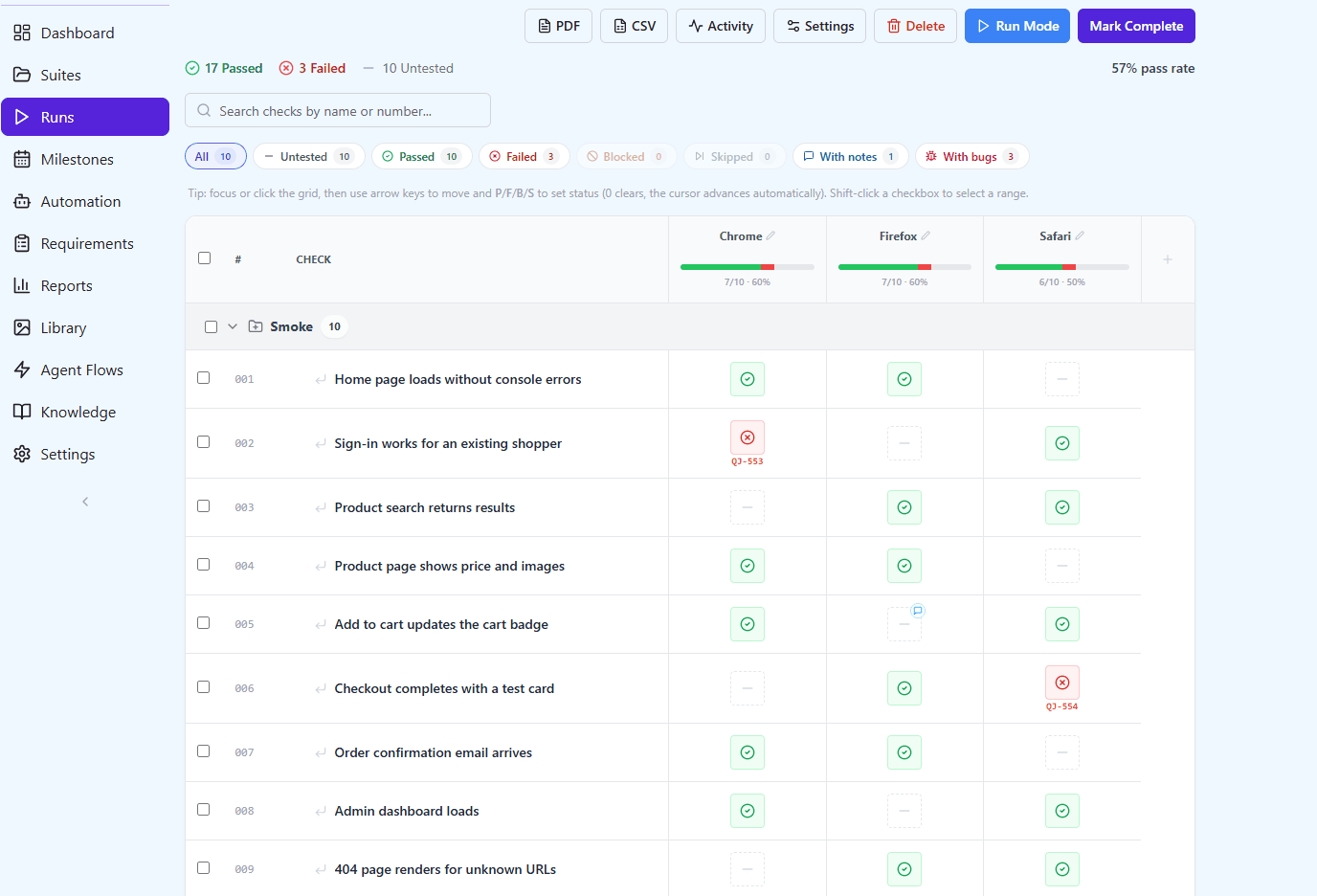
Run a checklist as a record, not a scratchpad: columns per run, locked results, and history for every cell.
A checklist run instantiates the checks with the columns you need for that round of testing, and keeps the result of every cell with its author, timestamp and comment. Titles are snapshotted when a check enters a run, so editing or deleting a check later never rewrites a finished record.
Completing a run locks it – every further edit is refused until someone reopens it explicitly – which is what makes a checklist run something you can point at during a release review.
- Columns defined per run, reorderable and tag-scoped
- Bulk entry across up to a thousand cells in one action
- Keyboard entry: arrow keys and P / F / B / S, with focus moving to the next check
- New checks added to the suite can join an open run automatically
- Completed runs locked until explicitly reopened
- Checklist runs roll up into milestones and reports