

Uploading Cypress Reports
QAM Hub reads Cypress results from the Mochawesome JSON report. Because Cypress has no built-in "after run" reporter, the integration uses Mochawesome to produce that report, which you then either upload in the UI or submit automatically from CI. This guide walks through the full setup.
Before you start#
- You need a QAM Hub project — see creating your organization and first project.
- To link results to manual cases, prefix test titles with
TC-<number>(covered at the end).
Step 1 — install and enable Mochawesome#
npm i -D @qamadness/qam-cypress-reporter cypress-mochawesome-reporter mochawesomeRegister the reporter in cypress/support/e2e.js:
import 'cypress-mochawesome-reporter/register';And configure it in cypress.config.js so it writes a JSON report:
const { defineConfig } = require('cypress');

module.exports = defineConfig({
  reporter: 'cypress-mochawesome-reporter',
  reporterOptions: {
    reportDir: 'cypress/reports',
    json: true,
    saveJson: true,
    embeddedScreenshots: true,
    inlineAssets: true,
  },
  e2e: {
    setupNodeEvents(on, config) {
      require('cypress-mochawesome-reporter/plugin')(on);
      return config;
    },
  },
});
Step 2 — get the report into QAM Hub#
Option A — upload manually in the UI#
- Run your tests:
npx cypress run. Mochawesome writes a JSON report tocypress/reports. - In your project, open the Automation section and drag-and-drop the Mochawesome JSON file in. The framework is detected automatically.
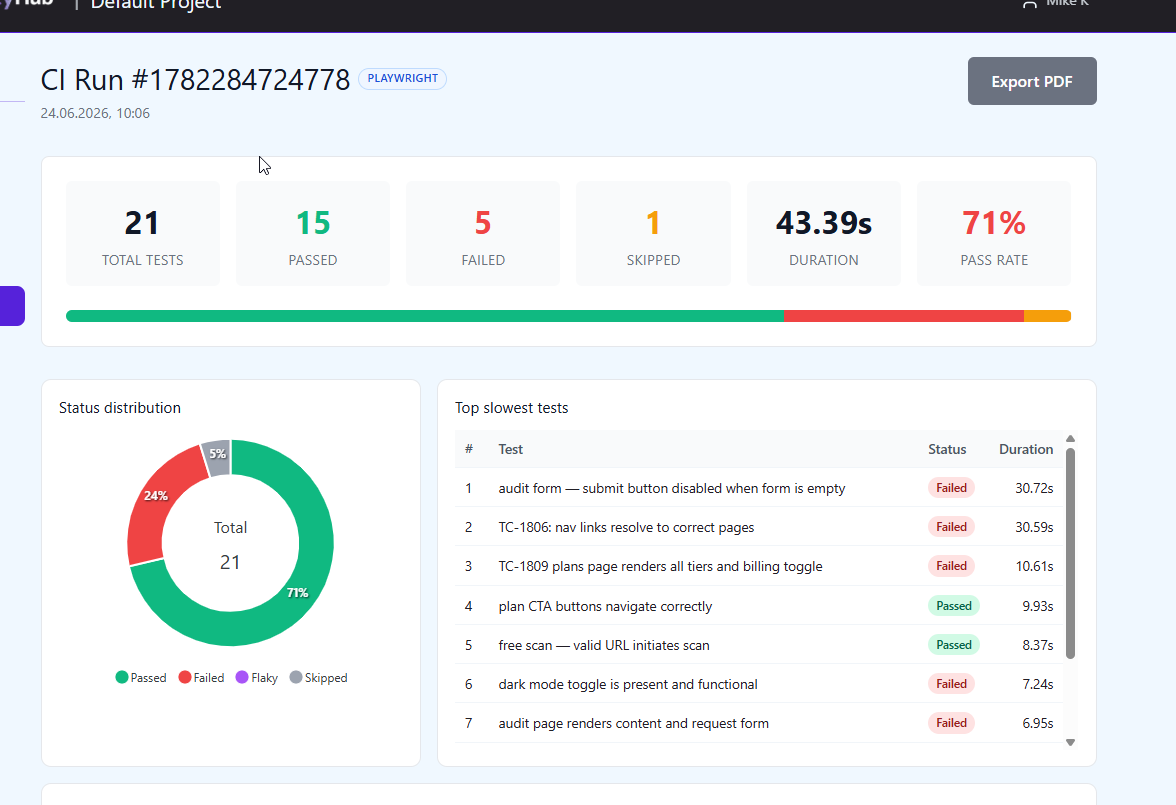
Option B — submit automatically from CI#
To push results without a manual step, submit from an after:run hook:
const { submitToQAM } = require('@qamadness/qam-cypress-reporter');

// inside setupNodeEvents:
on('after:run', async () => {
  await submitToQAM({
    apiUrl: process.env.QAM_API_URL,
    projectId: process.env.QAM_PROJECT_ID,
    runName: `CI Run ${process.env.CI_BUILD_NUMBER ?? new Date().toISOString()}`,
    // apiToken is read from QAM_API_TOKEN by default
  });
});
Or use the bundled CLI as an explicit pipeline step after the run:
cypress run && qam-submit-cypressBoth read QAM_API_URL, QAM_PROJECT_ID, and QAM_API_TOKEN from the environment. Generate the token under Profile → API Tokens and store it as a CI secret.
What the Cypress integration handles for you#
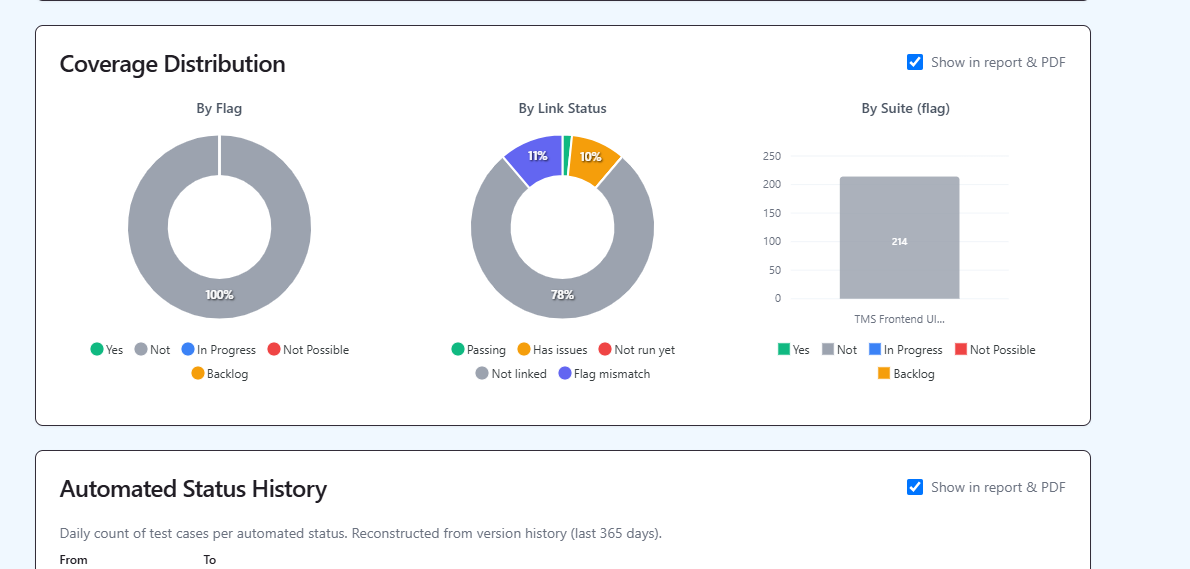
- Embedded screenshots from the report are stored with each failed test.
- All skip types —
.skip(), runtime skips, and tests aborted by a failing hook — are counted correctly, so totals aren't misleading. - Flaky detection — a test that only passed after a retry is marked flaky, not a clean pass.
Linking results to manual test cases#
Prefix the Cypress test title with TC-<number> to link it to a manual case — and a single Cypress test can cover several cases at once:
it('TC-17: adds item to cart', () => {
  // ...
});
For the wider picture, see test management for Cypress.