

Home / Knowledge Base / Assigning Testers to a Run
Assigning Testers to a Run
In QAM Hub you can assign testers to a test run so each test case has a clear owner. Per-tester assignment makes it obvious who is responsible for what, keeps a shared run organized when several people work in parallel, and makes progress easy to track.
Assigning testers is part of working with runs — for the full flow, see running tests and recording results.
How assignment works#
A test run contains the cases you selected to execute. Each case in the run can be assigned to a tester — the person expected to execute it and record its result. Assignment is at the level of the run's cases, so different cases in the same run can belong to different people.
Assigning testers#
- Open the test run.
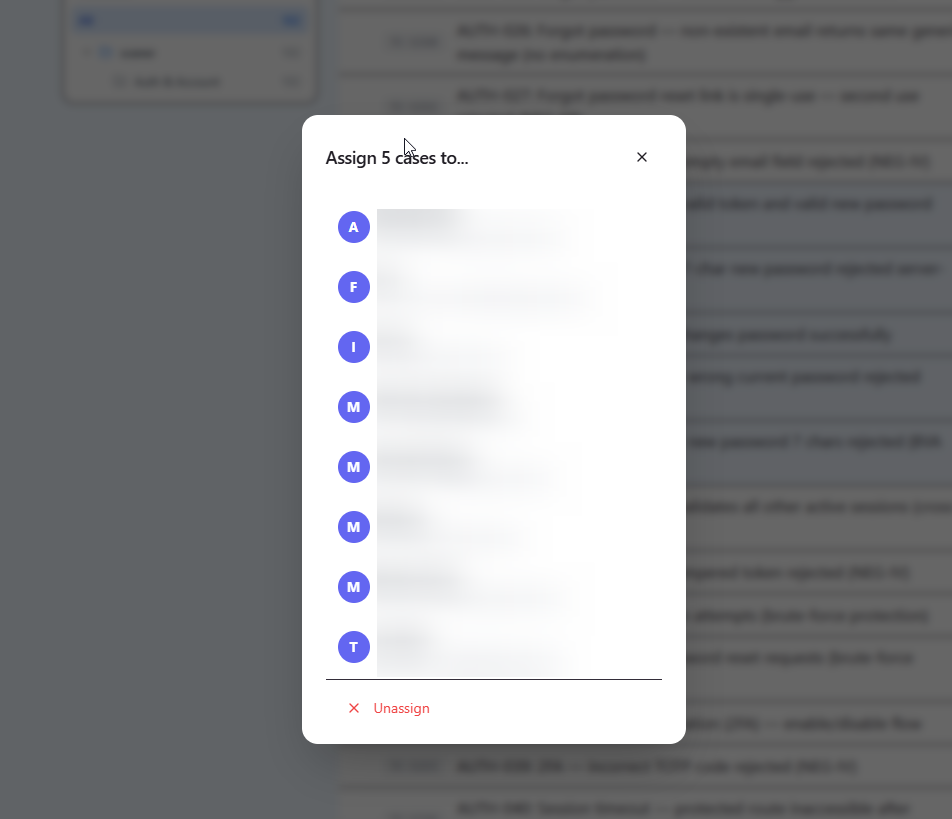
- Select the case (or cases) you want to assign.
- Choose the tester from your project's members. Only people who are members of the project can be assigned — see roles and permissions.
Why assignment helps#
- Clear ownership — no ambiguity about who runs which case.
- Parallel work — several testers can split a large run without stepping on each other.
- Progress tracking — you can see what each tester has completed and what is still outstanding.